
 Add as a preferred source
Structured legal document comparison software helps legal professionals focus on the changes that may affect legal or commercial outcomes rather than spending hours locating differences manually.



Legalspace has revolutionized my CA practice by simplifying the management of legal compliance and documentation. It streamlines complex processes, saves valuable time, and enables me to provide faster, more efficient services to my clients. A must-have tool for every Chartered Accountant

Legalspace has been a game-changer for my CA practice. It gives me the confidence to navigate complex cases while saving time for my clients.

Working as a corporate lawyer, I find Legalspace.ai practical. It pulls up the right headnotes in no time, and I can attach them directly to my case files. Exporting polished drafts is effortless.

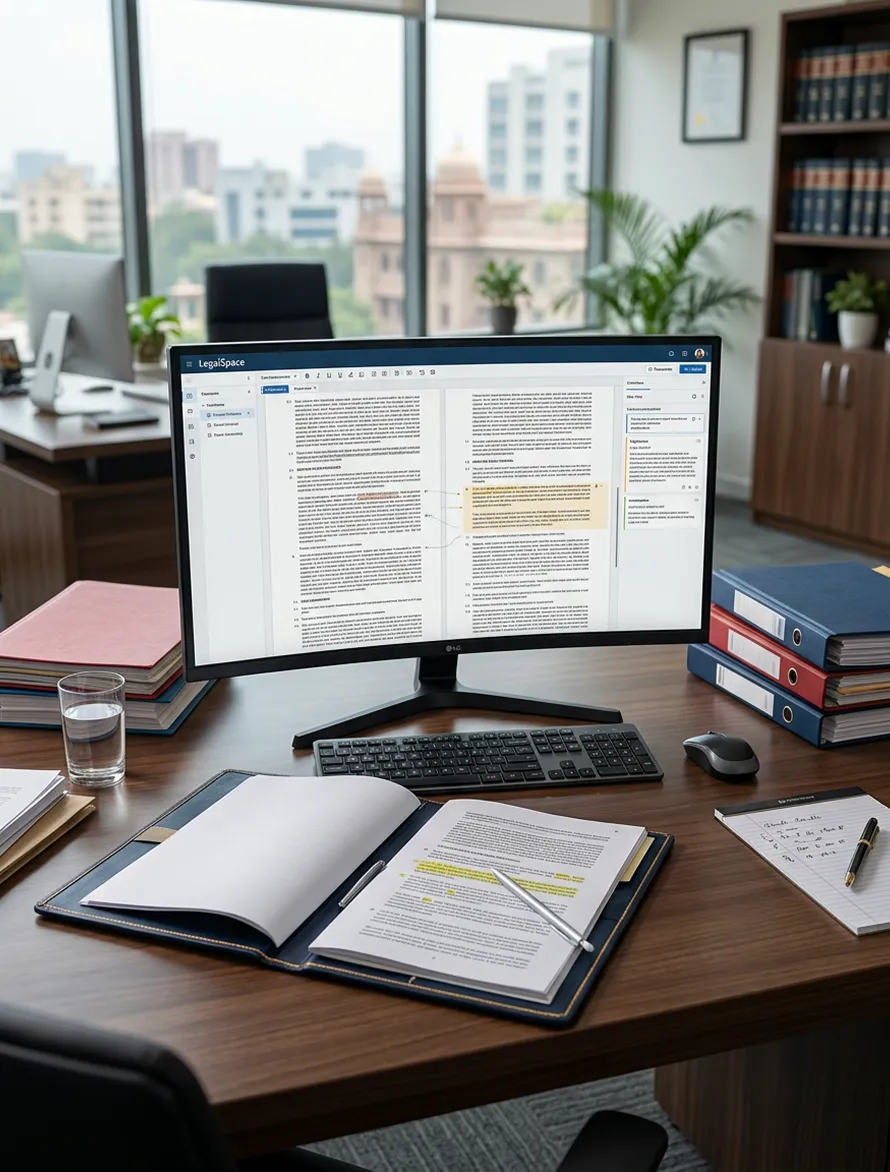
Legalspace provides an AI document comparison tool that lets lawyers upload multiple PDF versions, review changes and ask contextual questions within one structured workspace.

Upload a minimum of two and up to five document versions in a single comparison, making it easier to review multiple stages of drafting or negotiation together.

Upload PDF files of up to 9 GB each, supporting detailed commercial agreements and larger legal documents.


Move from identifying contractual changes to reviewing risk and proposed revisions with AI-assisted document redlining.

Prepare contracts, notices, agreements and other legal documents before comparing revised drafts or counterparty versions.

Research statutes, judgments and legal principles when a revised clause requires further legal interpretation or validation.
Unlike ordinary text comparison tools, Legalspace provides AI contract comparison software within a wider legal workspace built for Indian lawyers, law firms and corporate legal teams.
Review additions, deletions, clause modifications and negotiated revisions across contracts instead of manually checking each version line by line. Legalspace currently positions Document Comparison as a way to highlight changes, additions and deletions between documents.
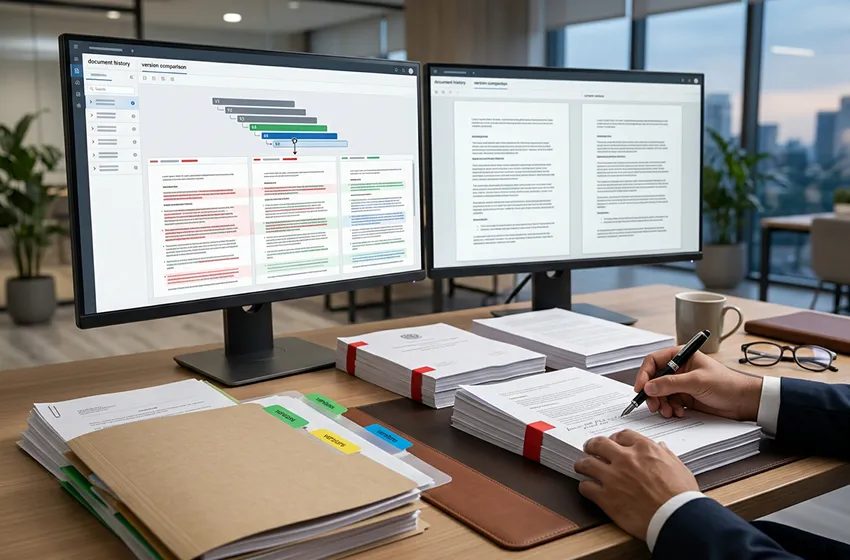
The Document Comparison workspace supports between two and five files, allowing legal teams to examine more than one stage of a document's revision history within the same comparison.
AI-assisted comparison helps lawyers assess revised contractual language alongside surrounding provisions instead of treating every textual difference as an isolated edit.
Compare counterparty drafts, internal revisions and negotiated versions while maintaining greater visibility into what changed during each stage of review.
Move from identifying a change to researching its legal implications, preparing alternative language or redlining the document through connected Legalspace tools.
Contracts may contain commercial terms, employee information, pricing, intellectual property, personal data and other confidential information. Legalspace is built around the security requirements of Indian legal professionals.

Legalspace states that its documents, cases, research and other legal data are maintained on Indian servers.

Legal information remains private to the relevant account and organization.

Get Started
Move beyond manual document cross-checking and repetitive version review. Use AI document comparison to identify additions, deletions and contractual revisions across multiple legal documents while keeping lawyers in control of how every change is interpreted and acted upon.
Choose files through the browser or drag and drop them directly into the Document Comparison workspace to begin the review.

Use the Ask Me Anything field to ask contextual questions about the uploaded documents and the changes being reviewed

Return to earlier document comparisons through the History panel instead of starting the review process again

Use a From Date and To Date range to locate comparison activity completed during a specific period.

Begin another document comparison directly from the workspace when a new contract version or set of documents requires review.

Use legal document version comparison to examine revisions across different negotiation rounds, drafts or document versions without manually cross-checking each copy.

Maintain approved legal document templates and compare subsequent drafts against the language used across your practice.

Keep relevant contracts, comparison activity and supporting documents connected with the cases and matters behind the legal work.
Legalspace states that platform data is encrypted during transfer and while stored.

Access controls help legal organizations restrict sensitive documents and matter information to authorized users.
