 Add as a preferred source
Keep client records organized and connected with matters, documents, tasks, billing, expenses, and other legal work. Maintain clearer visibility across individual, corporate, and recurring client relationships.
Learn More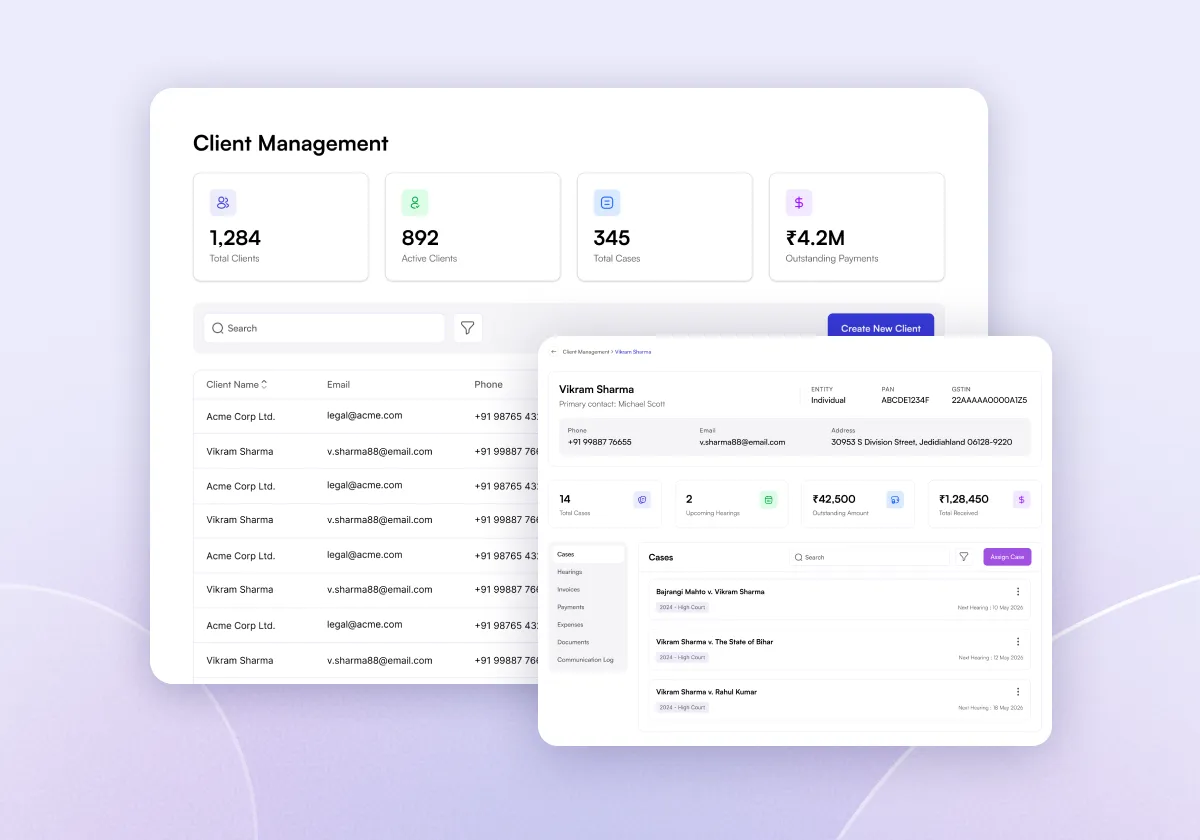
Manage user roles with admin-level oversight. Superadmins control access, monitor case visibility, and ensure all data flows remain consistent, structured, and secure, especially across large firms or multi-branch legal teams managing multiple active matters simultaneously through centralized legal case management software.
Learn More
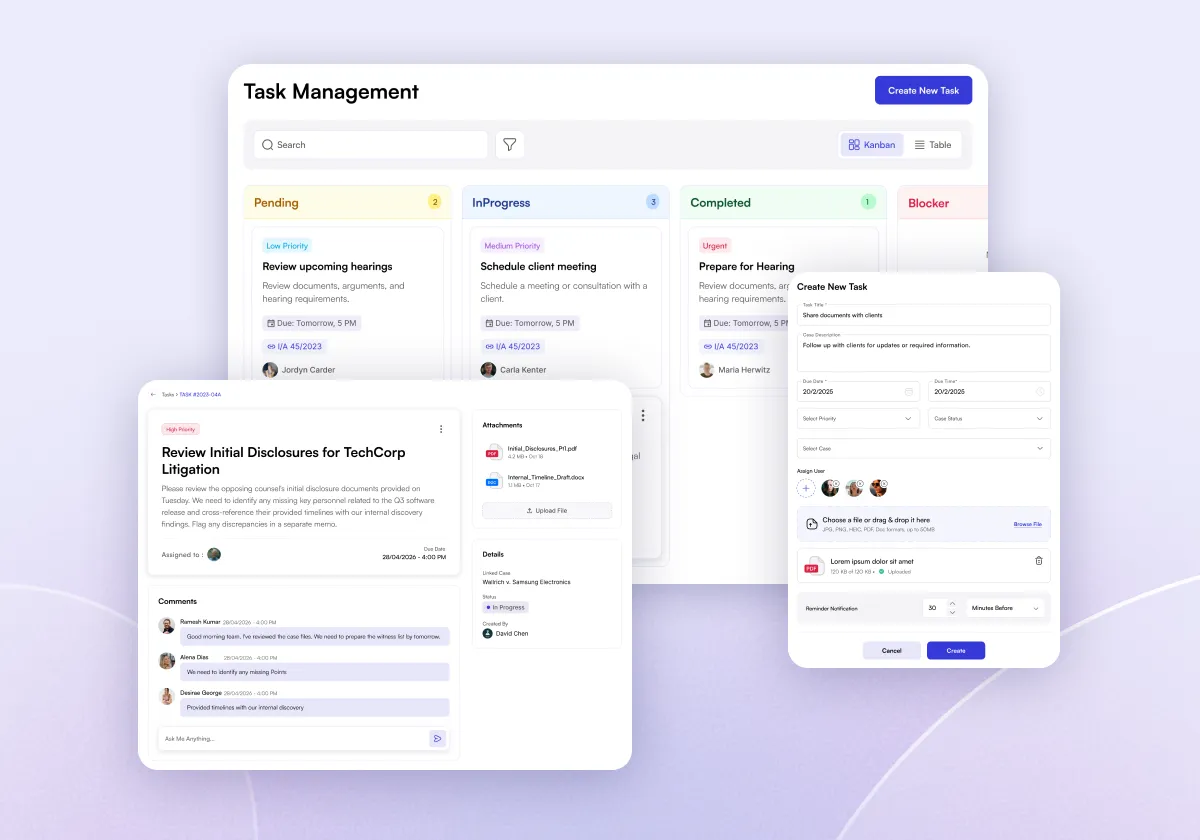
Create, assign, search, and track legal tasks from one workspace. Use Kanban and Table views to manage pending, in-progress, completed, and blocked responsibilities across your legal practice.

Compress days of research into hours, build stronger arguments, and walk into court fully prepared with LegalSpace's AI-powered legal research platform.
Create invoices, track paid, unpaid, and overdue amounts, and maintain billing records connected with the clients and matters behind the legal work.
Learn More
Record and review legal expenses, billable costs, receipts, and client-related expenditure. Keep expense records organized while maintaining clearer visibility across different time periods.
Learn More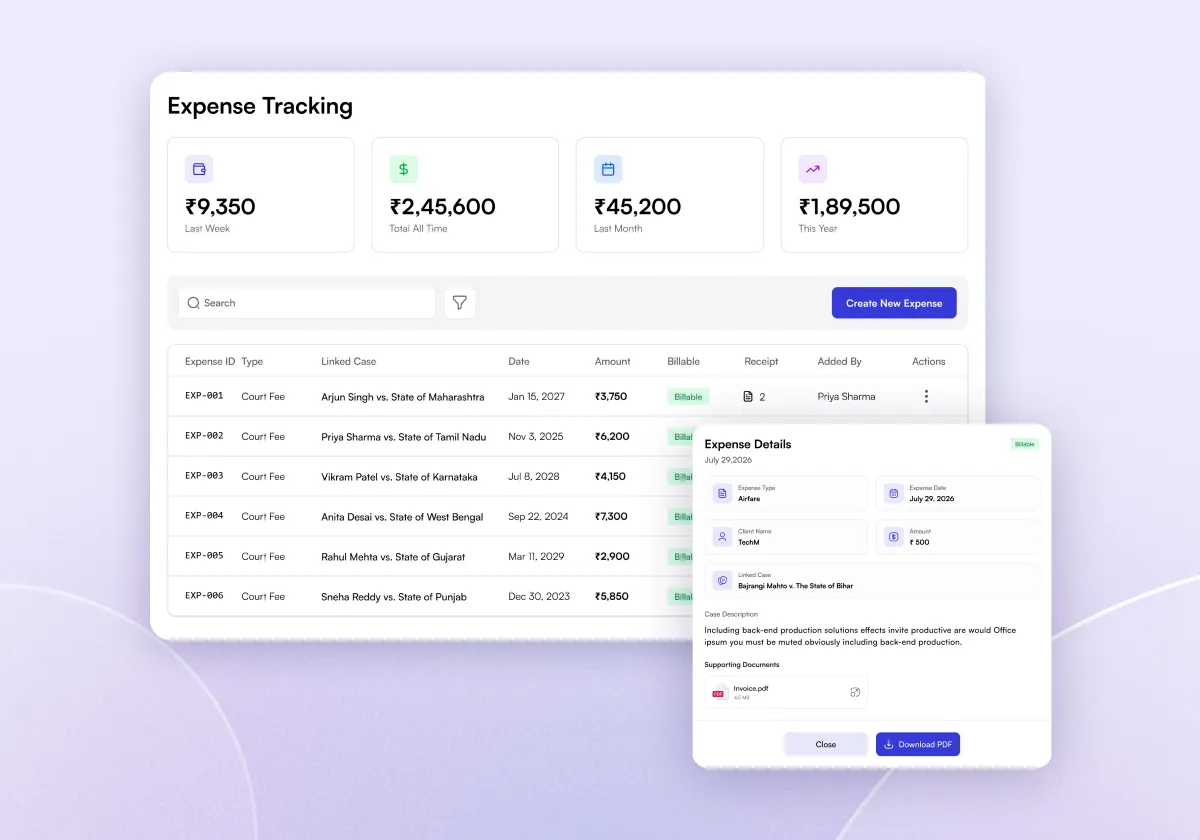
Create, manage, request, and reuse legal document templates from one structured workspace. Maintain standardized formats, organize frequently used templates, and access previously generated documents more efficiently.
Learn More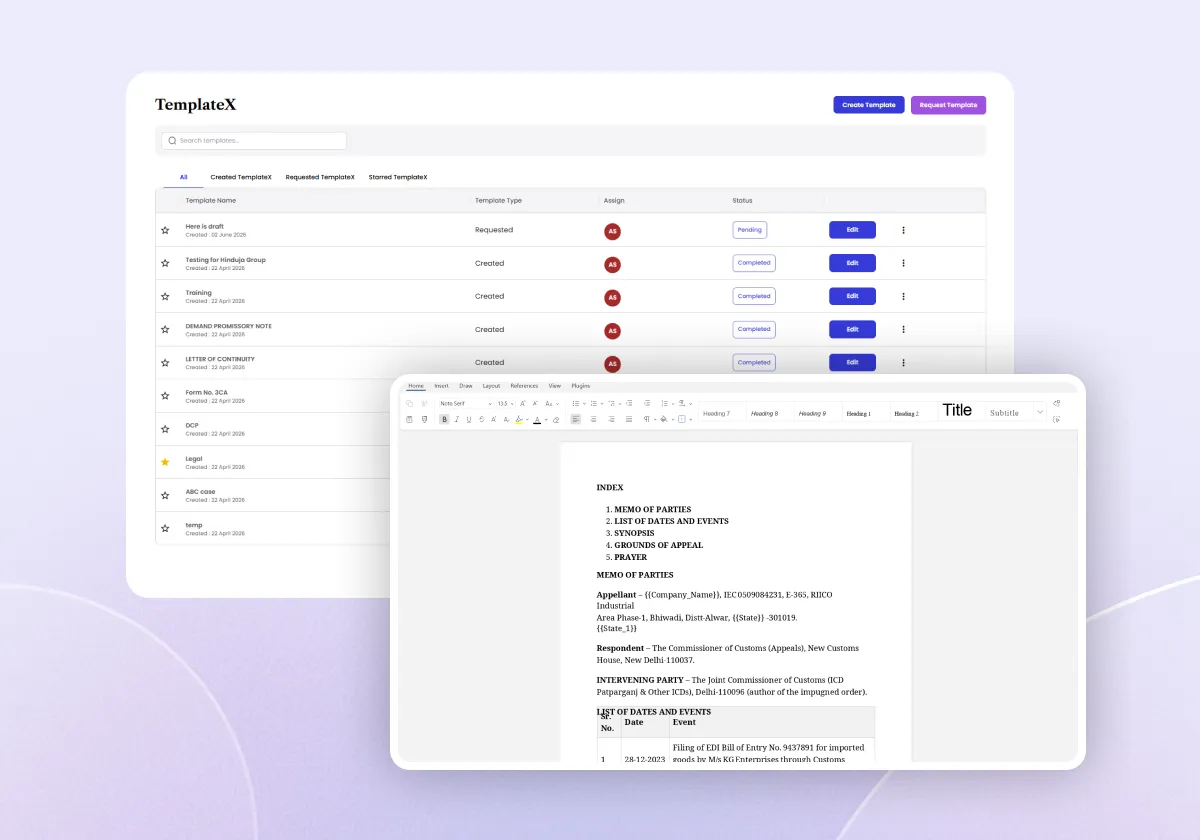
Research Indian statutes and case law, ask complex legal questions, work with uploaded documents, and create legal drafts within the same AI workspace. Keep research and drafting connected instead of moving between separate tools.
Learn More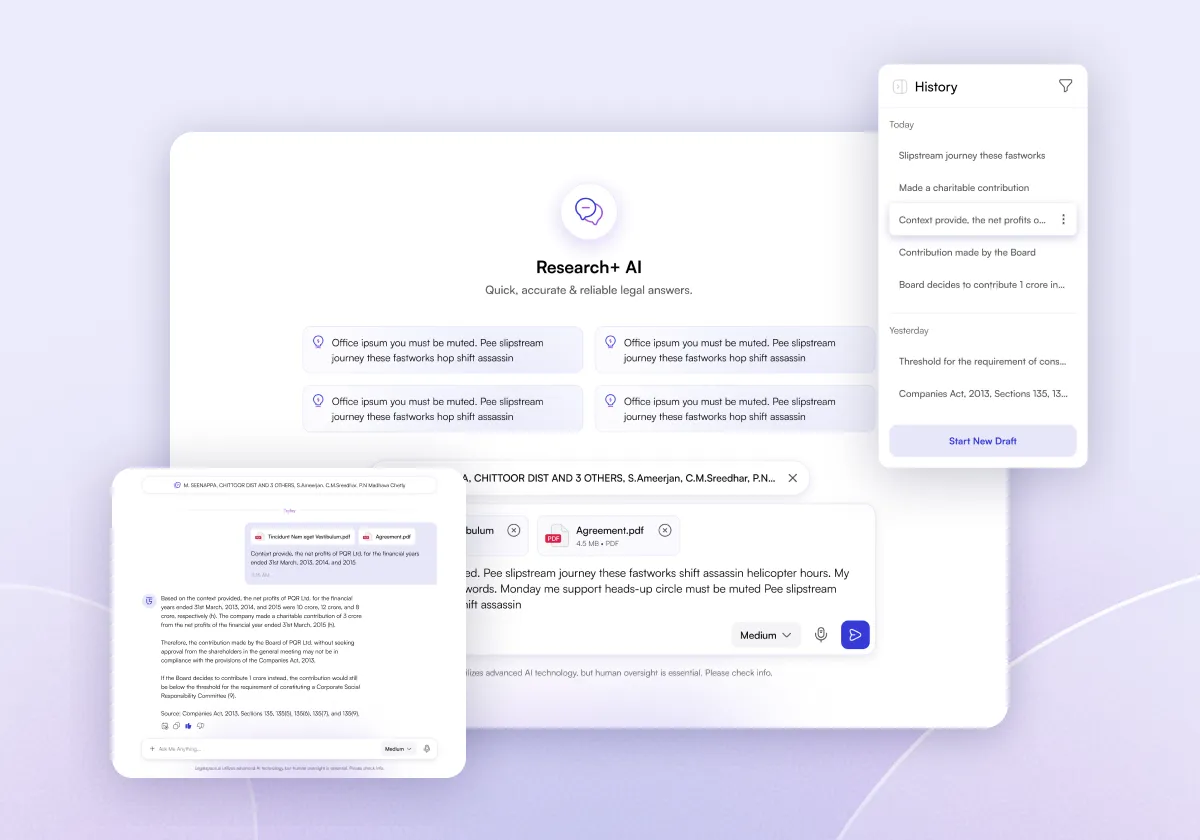
Search Supreme Court, High Court, and Tribunal judgments with structured headnotes, filters, sorting, and full-text context. Review relevant authorities faster and save useful observations for later reference.
Learn More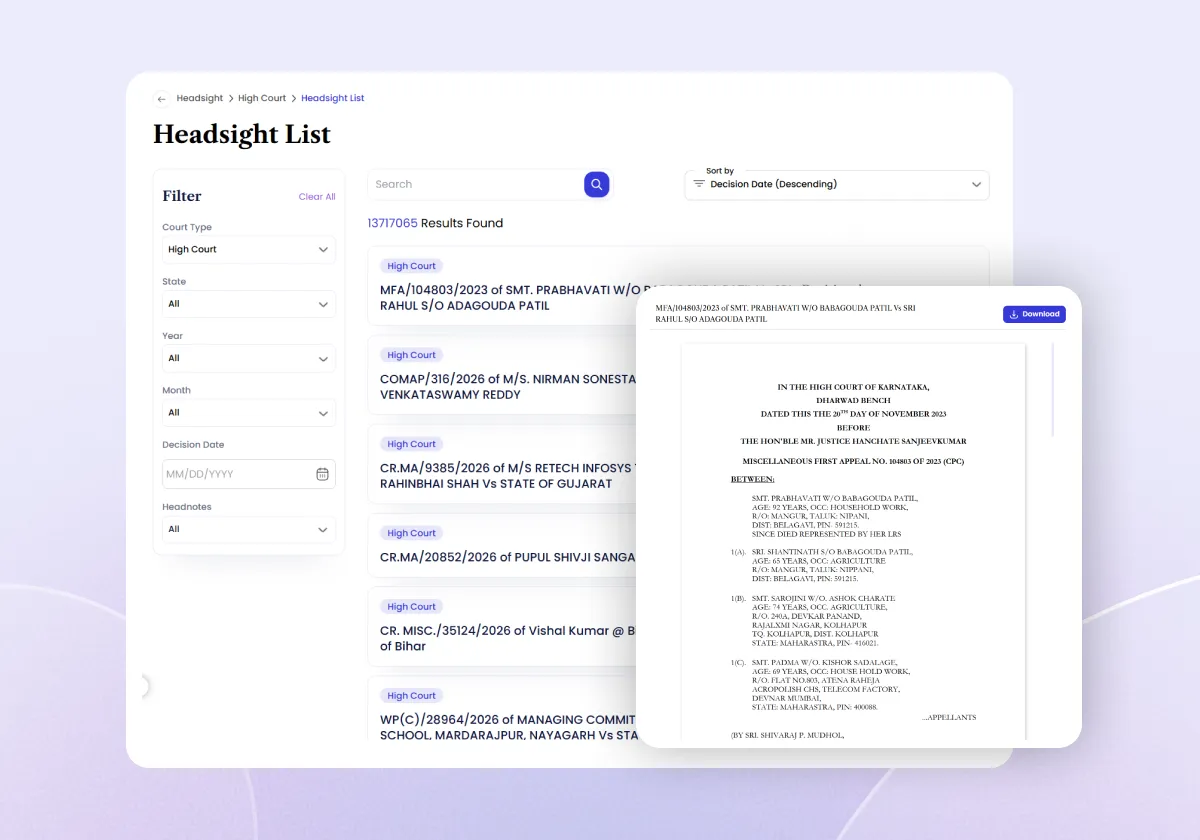
Organize legal notes from research and matters in one place. Filter notes by case, date, or type and return to the original legal context when earlier research or observations become relevant again.
Learn More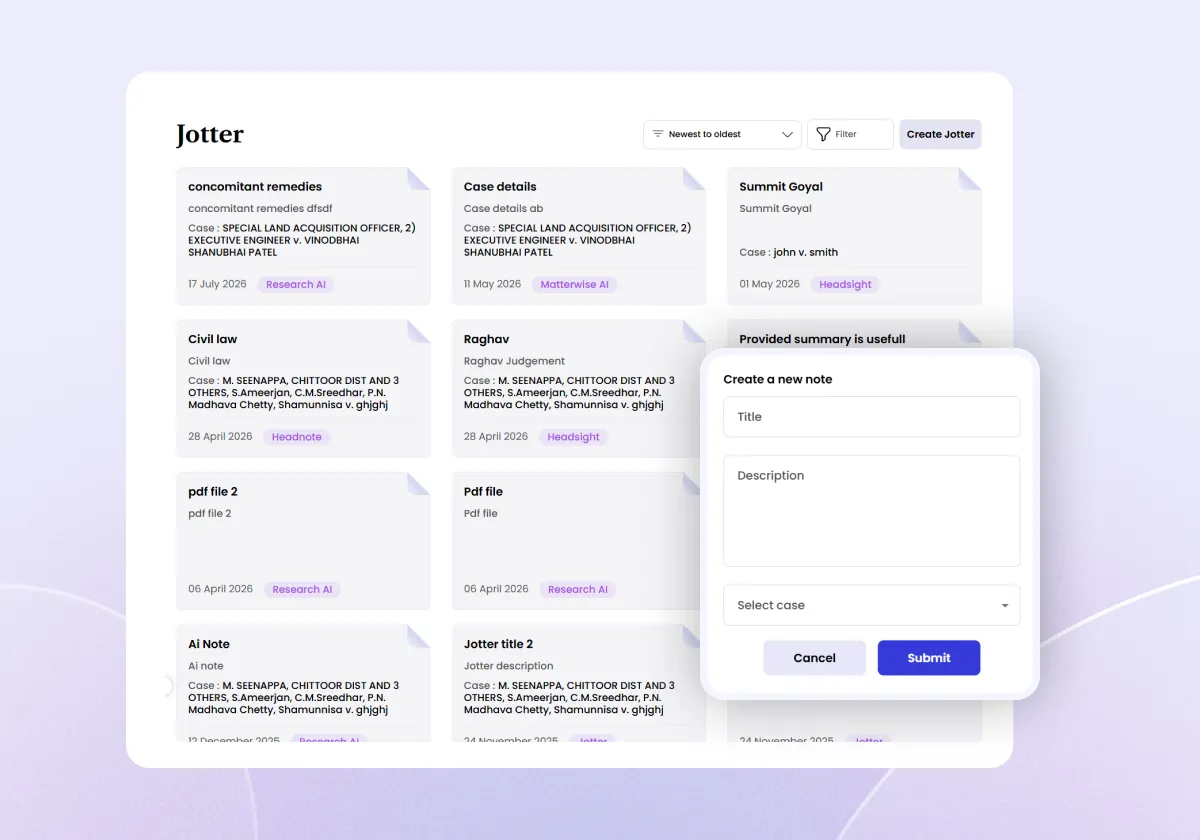
Review legal documents with AI assistance, ask contextual questions, and identify clauses or provisions that may require closer legal attention. Search and revisit previous redlining activity from the same workspace.
Learn More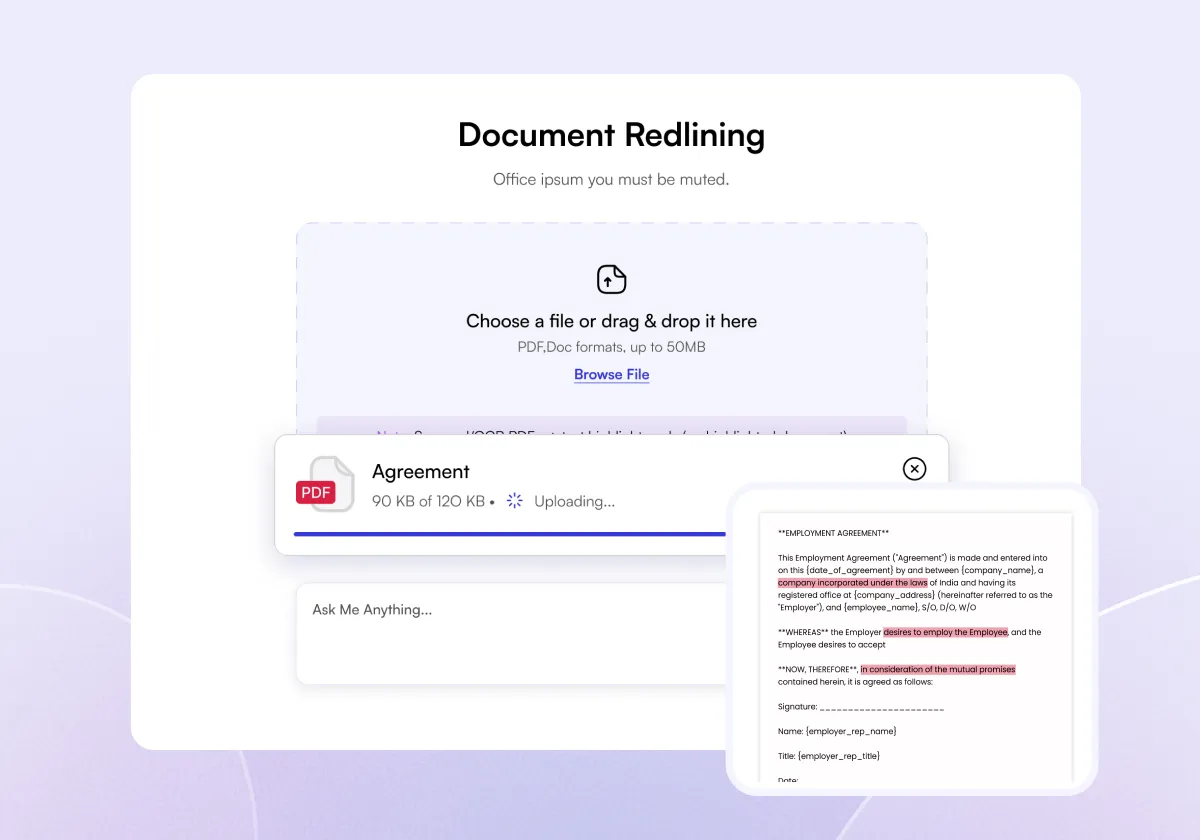
Compare multiple legal documents and identify additions, deletions, and revised contractual language across different versions. Upload between two and five PDF documents and review comparison history when required.
Learn More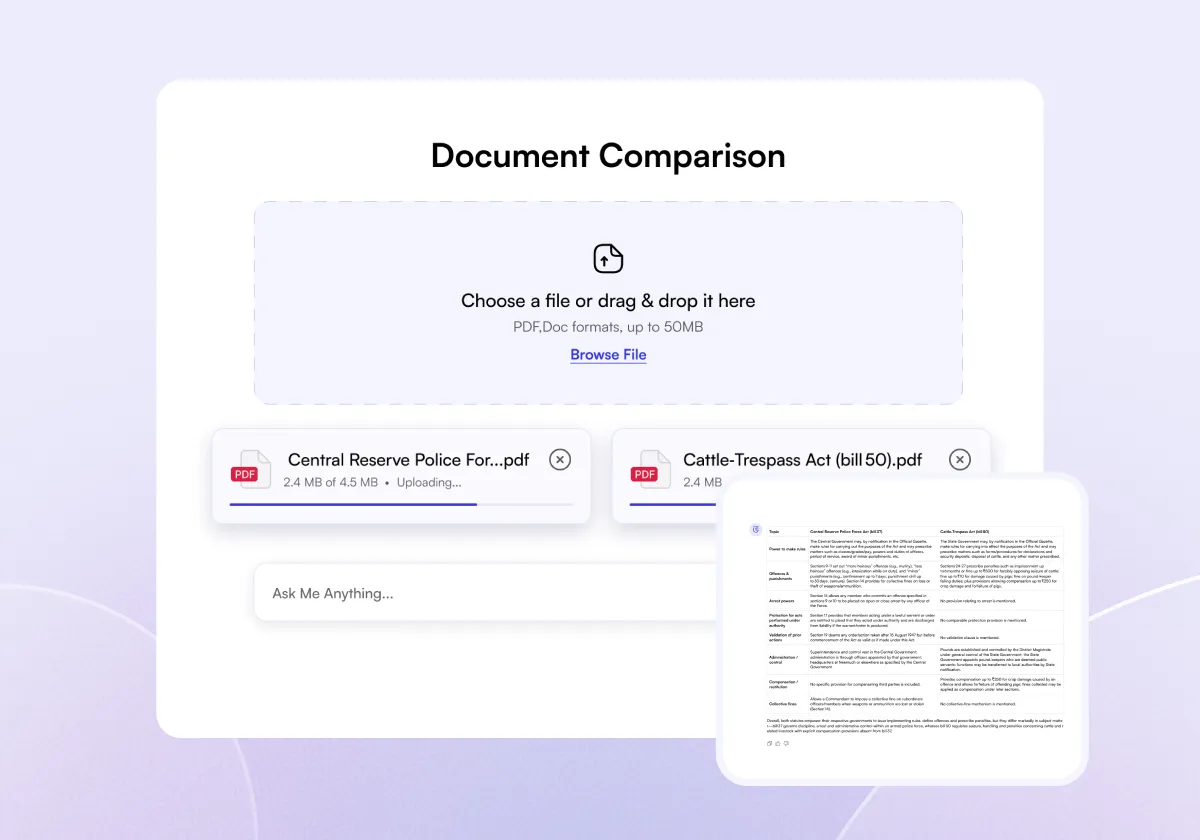
Manage cases, hearings, documents, notes, parties, court orders, and legal research from one AI-enabled case workspace. Use CNR-based case autofetch, case filters, calendar integration, and structured matter records to maintain better case visibility.
Learn More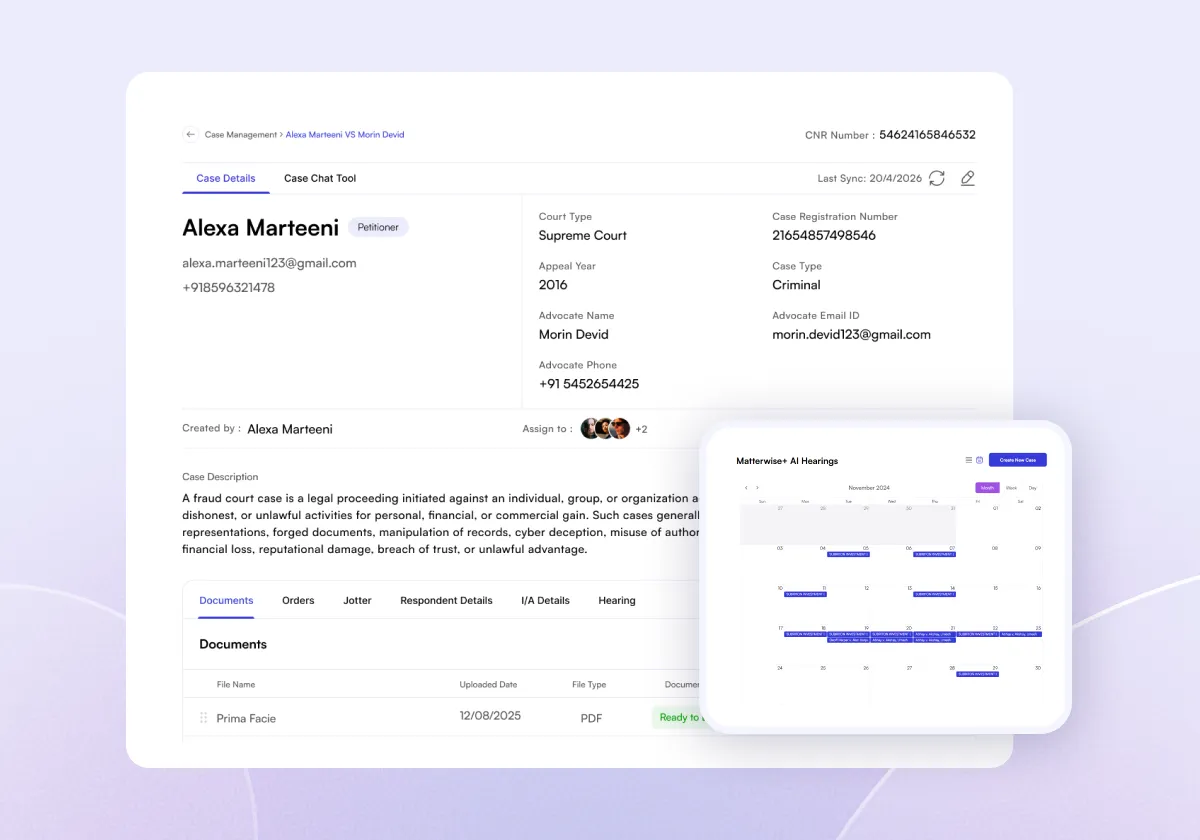
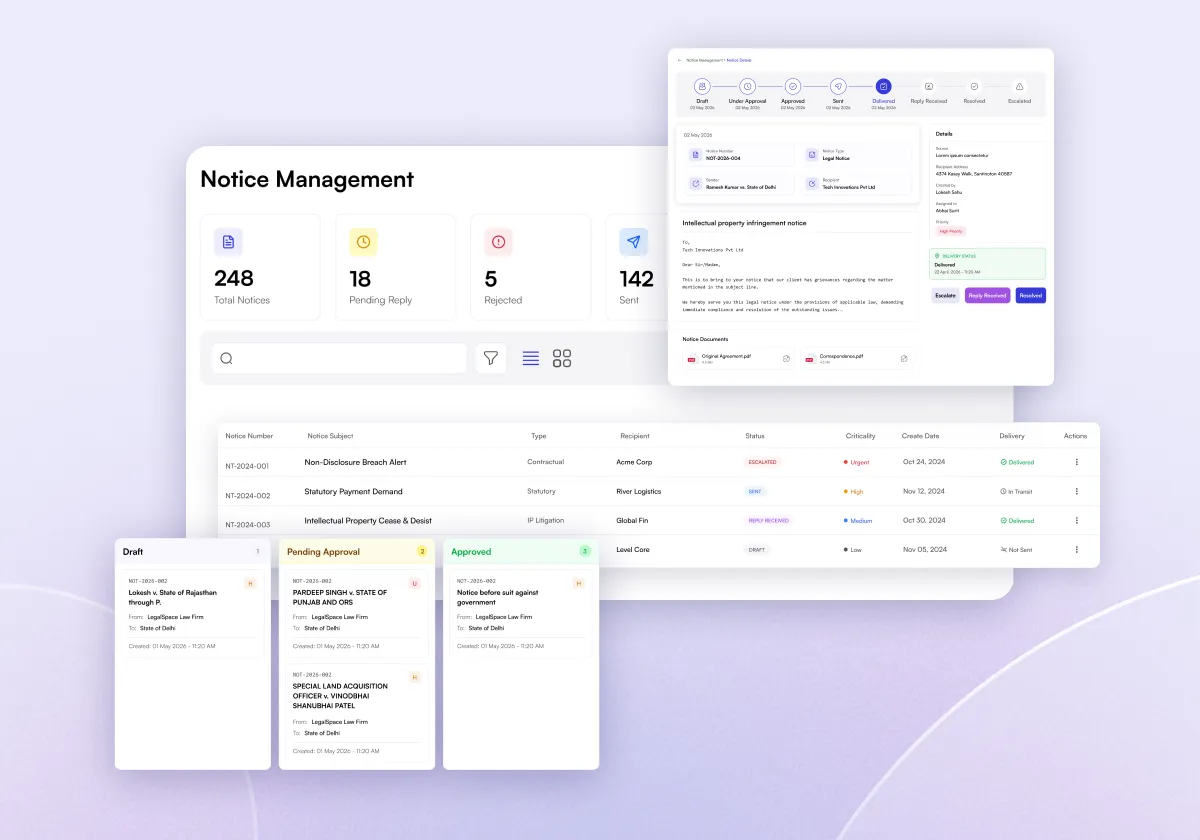
Create and track legal notices across Draft, Pending Approval, Approved, Rejected, Sent, Received, Pending Reply, and Resolved stages. Keep notice details and supporting documents organized throughout the notice lifecycle.
Learn More